
Lingua Journey
Practise what you’d say in a real conversation.
Screens
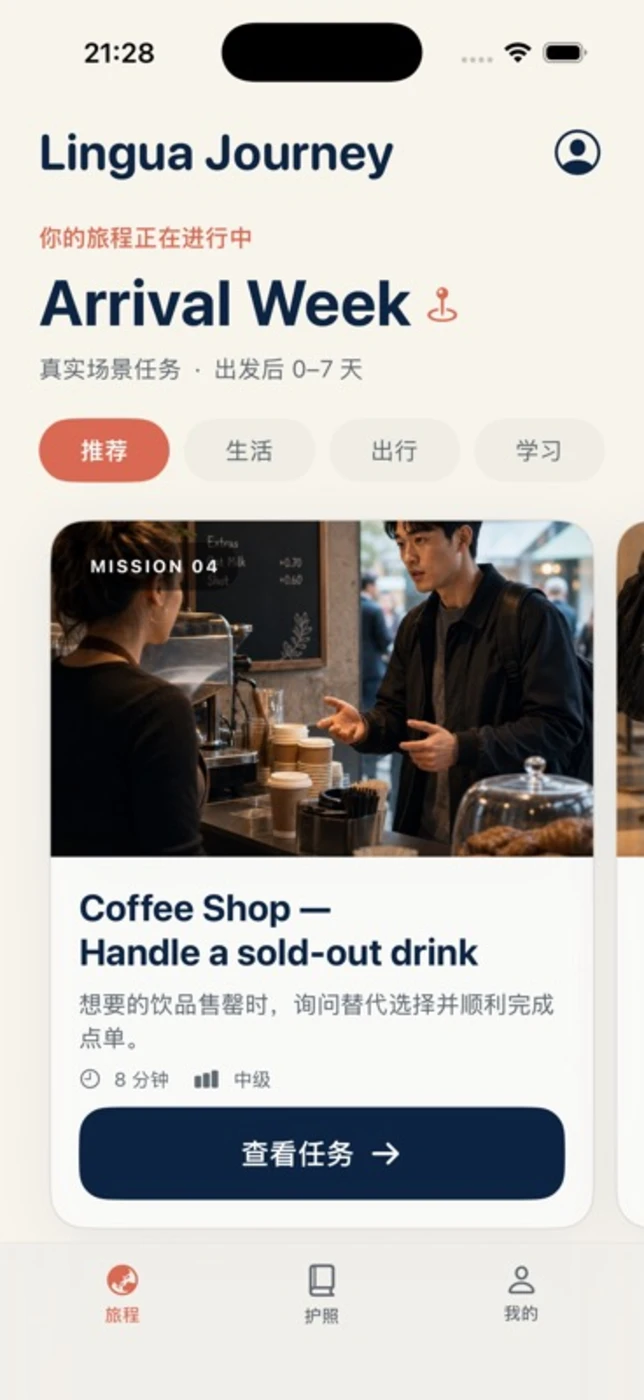
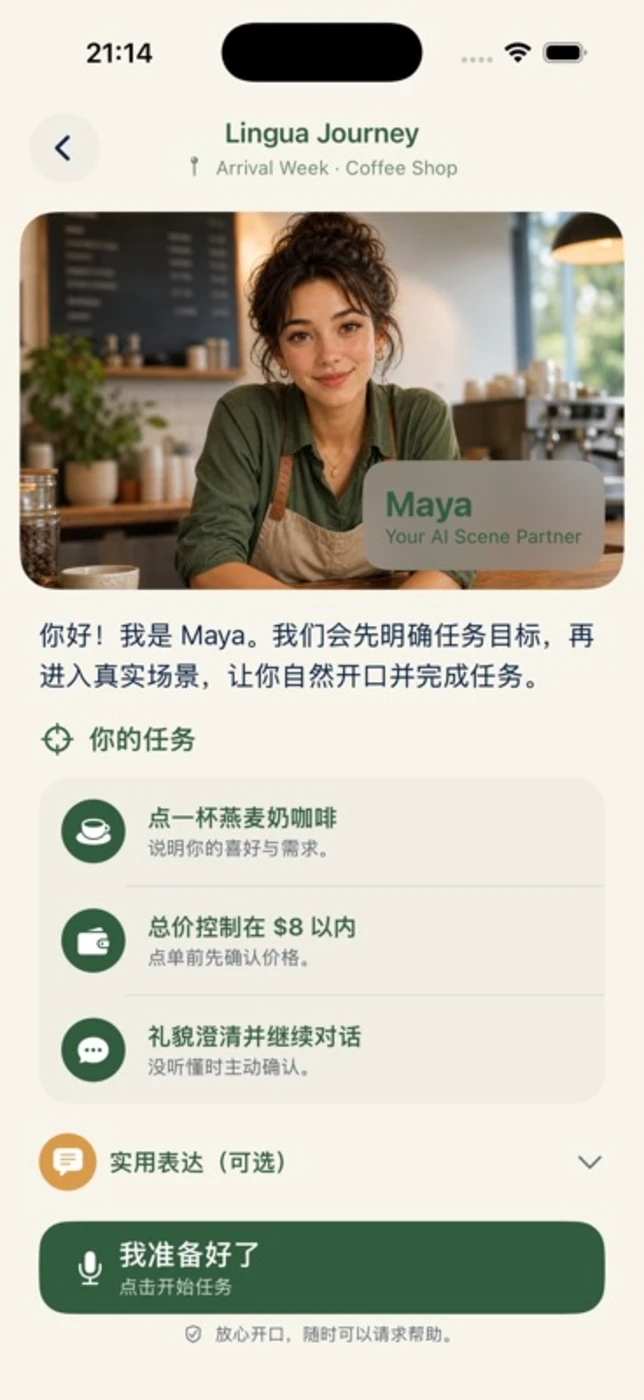
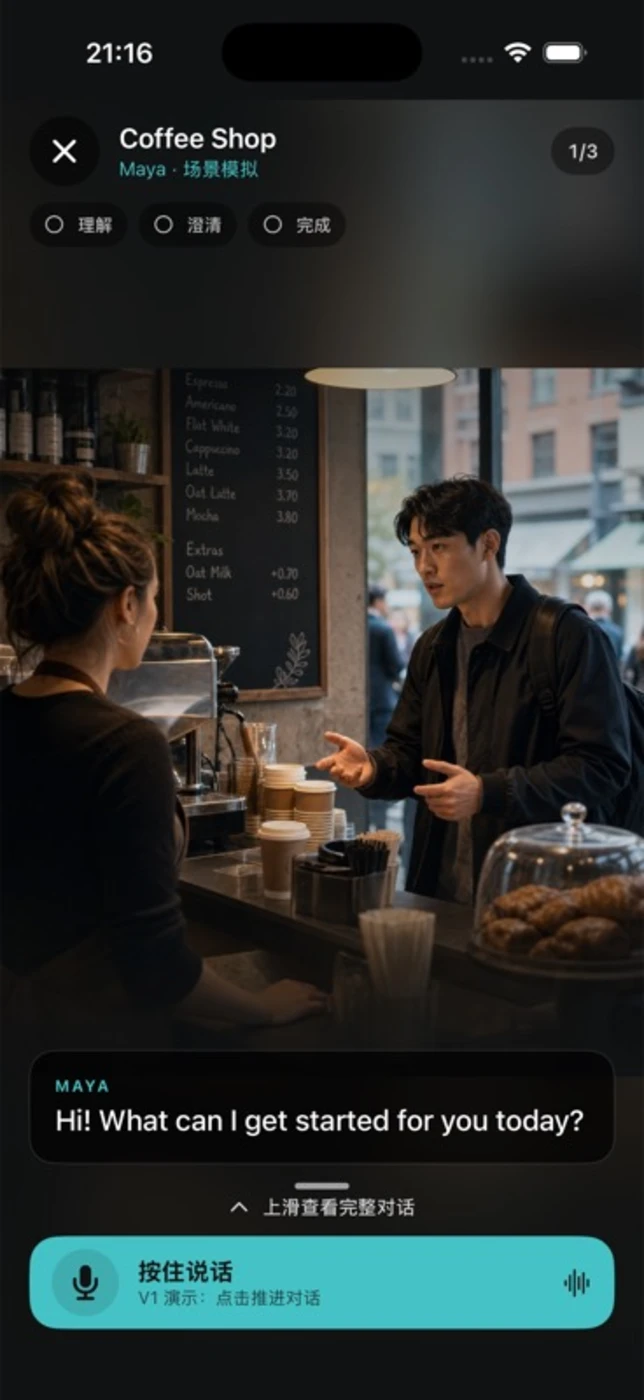
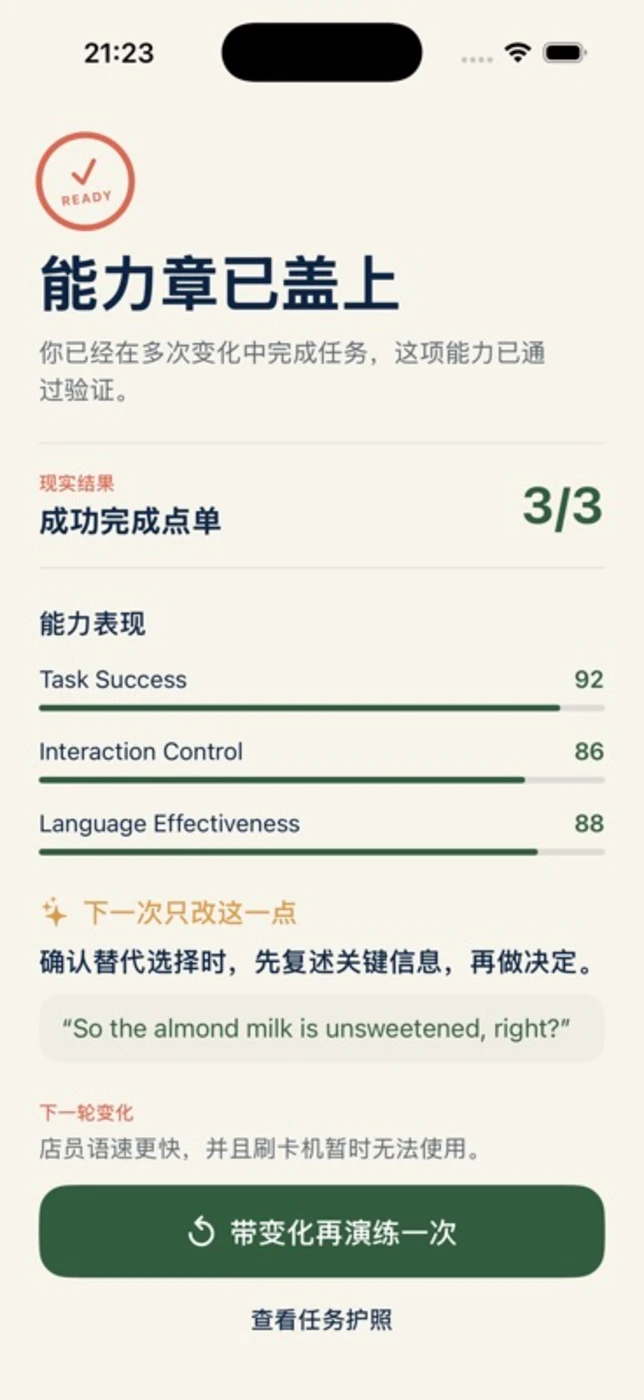
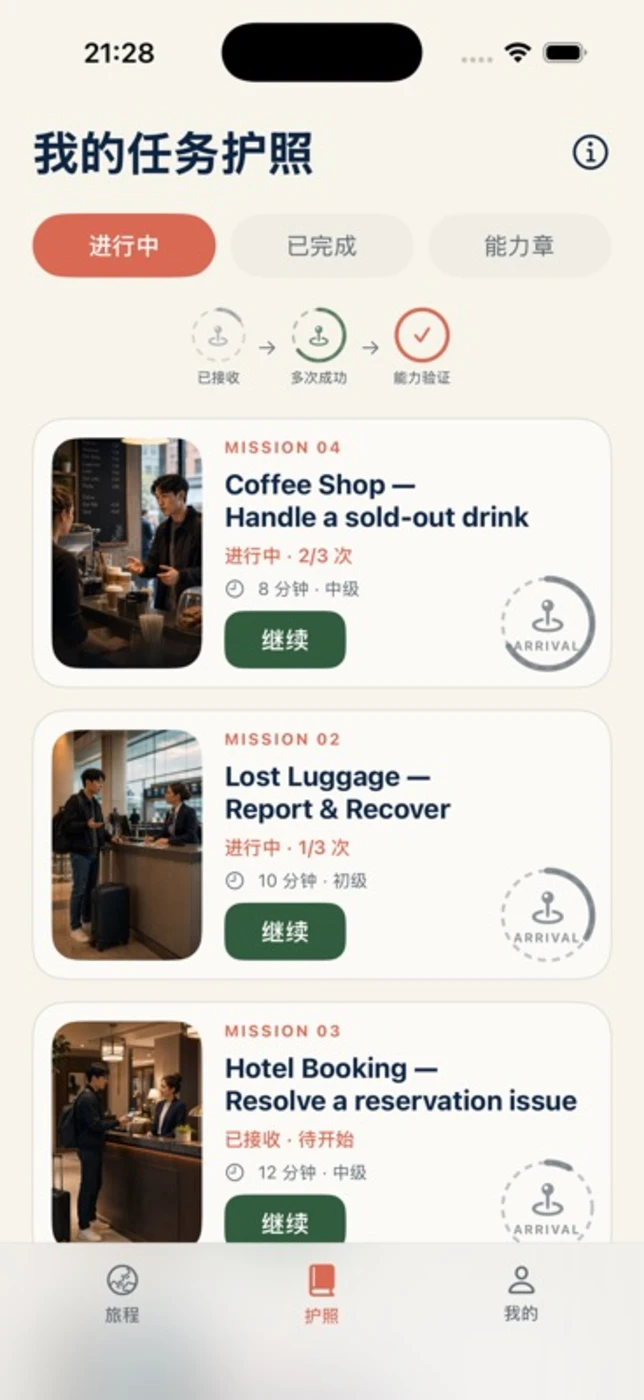
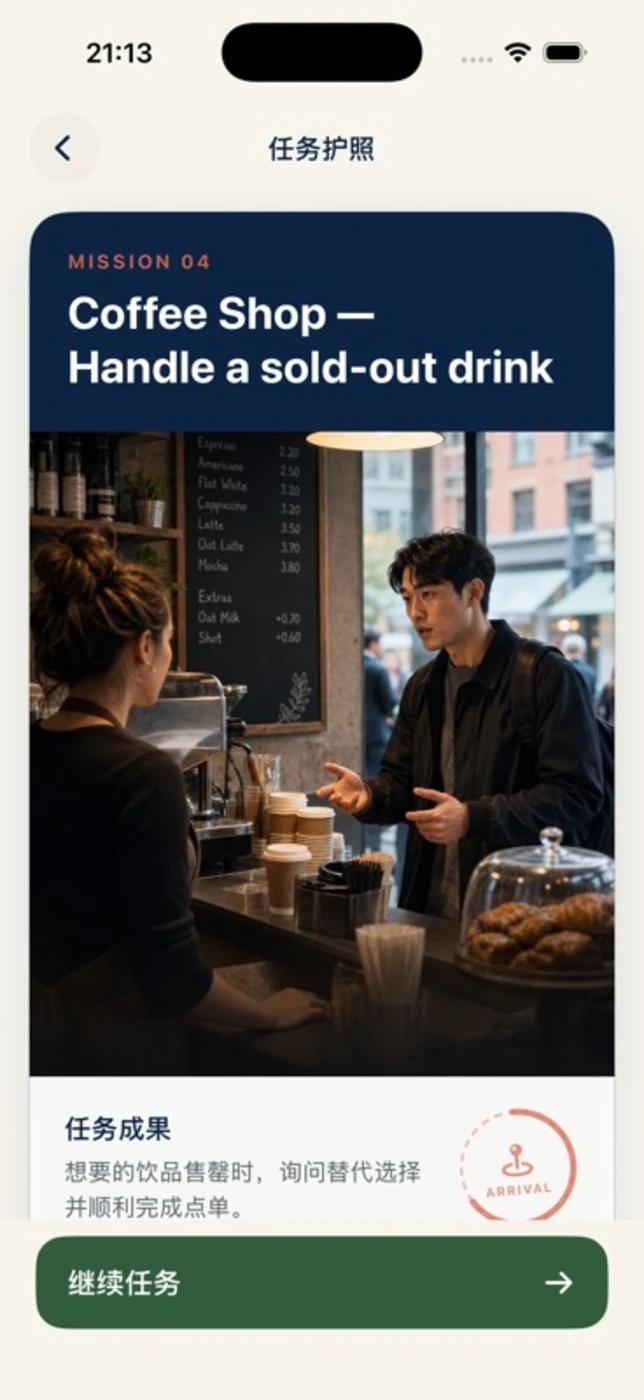
Captured from the development build
What it does
Help a learner complete a realistic language task, receive useful feedback, and bring weak expressions back into later practice.
How it works
- Step 1Choose a mission
A briefing sets the situation, language and completion goals.
- Step 2Have a conversation
Microphone audio is converted into transport-ready packets; the active live path uses the Qwen relay.
- Step 3Review the attempt
Conversation turns and mission context become feedback and candidate learning material.
- Step 4Practice again
Saved cards can become future review targets and return to the next live conversation.
Your voiceMicrophone
Practice a concrete goal, such as ordering a coffee.
Mission spaceSwiftUI
Keep the setting, goals and conversation visible.
Live sessionAVAudioEngine · PCM
Capture, convert and play audio while coordinating turns.
Learning feedbackEvaluation service
Turn the completed attempt into feedback and useful expressions.
Learning cardsLearningCardStore
Bring eligible saved expressions into future conversations.
Voice relayNode.js · Qwen · WebSocketExternal service
The inspected live route connects through the Qwen relay.
Stack
SwiftUI · SwiftAVAudioEngine · PCM audioWebSocket voice transportNode.js · ws relayStructured evaluationLocal learning-card storeWeChat mini-program cloud functions
iOS learning flow with a live Qwen route and local rehearsal. Other adapters vary.