Worldline
Different places. The same moment.
Screens
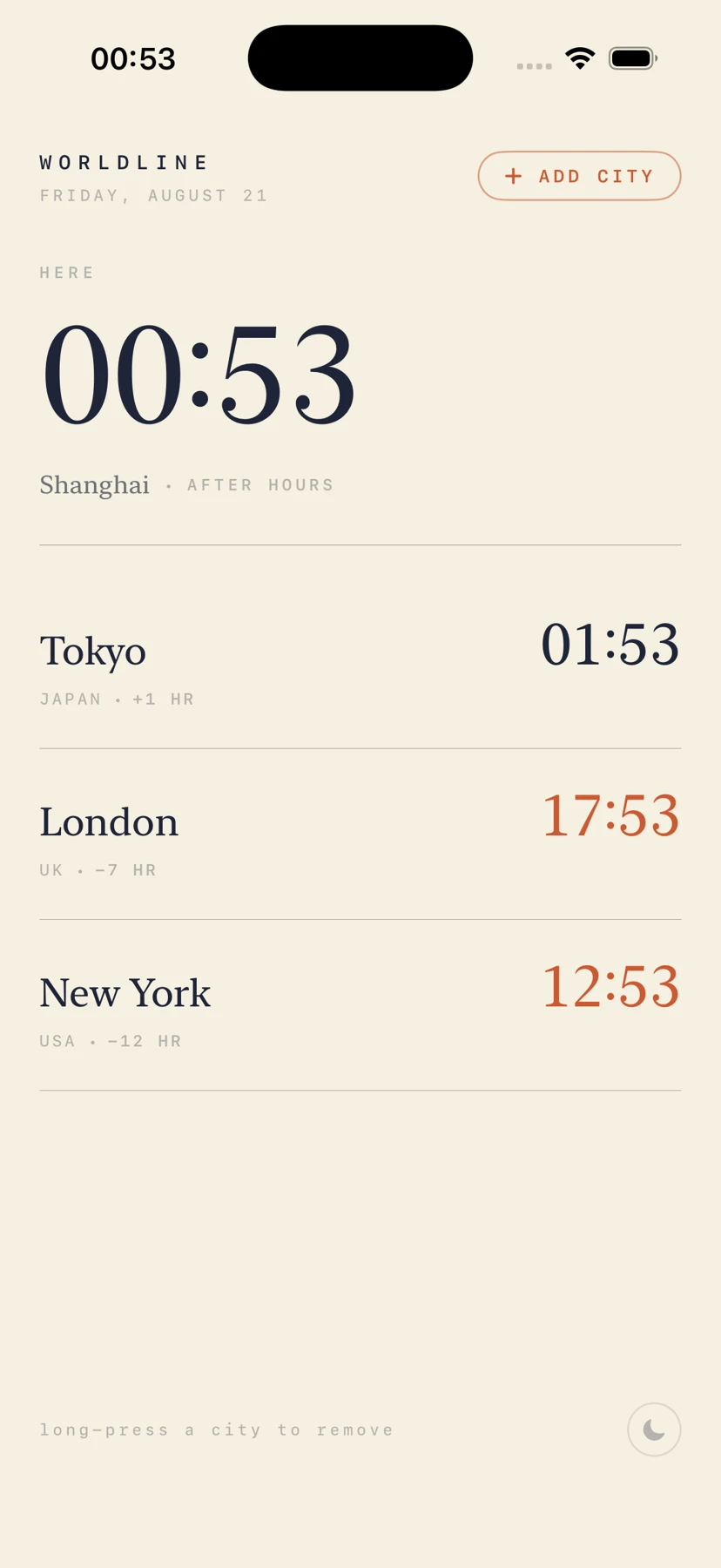
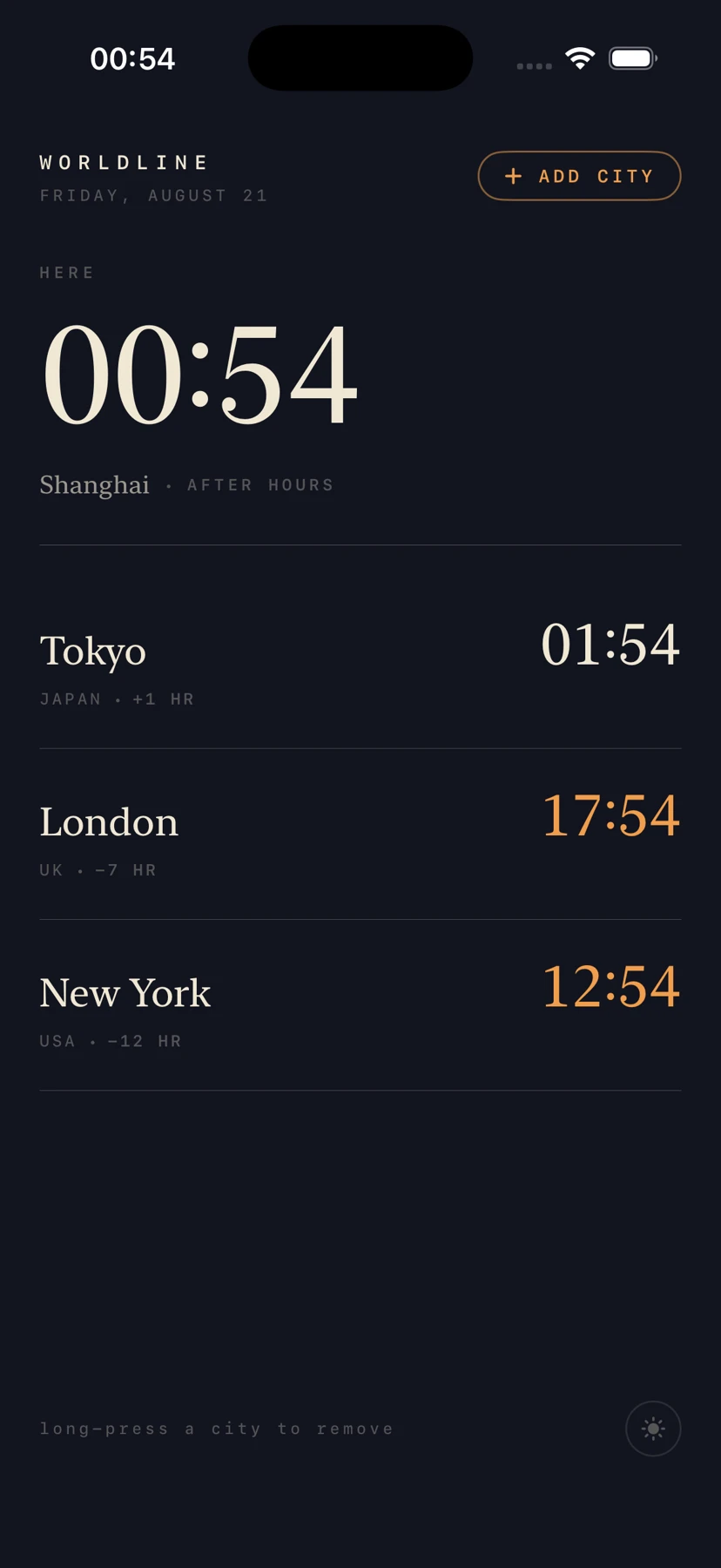
Captured from the development build
What it does
Keep the same moment understandable across cities, including time differences and daily context.
How it works
- Step 1Choose cities
The user keeps the places that matter in a small list.
- Step 2Compare local time
The same instant is interpreted in each city’s time zone.
- Step 3Find an overlap
Additional context helps distinguish a convenient hour from an awkward one.
- Step 4Keep it close
The platform-specific surface stays available without a large workspace.
Your citiesCity selection
Choose the places and working hours that matter.
Clocks at a glanceSwiftUI · iOS · macOS
Present world clocks in the app or menu bar.
Time-zone rulesFoundation · Calendar
Resolve local dates and daylight-saving changes correctly.
Widget surfaceWidgetKit · App Group
Read shared on-device city settings for the iOS widget.
City preferencesCodable · UserDefaults
Persist the city list and working-hour settings.
Weather contextOpen-Meteo · cacheExternal service
Fetch and cache optional weather information.
Stack
SwiftUI · FoundationTimeZone · CalendarUserDefaults + CodableURLSession weather clientWidgetKit-related sharing on iOSmacOS menu-bar app
City time uses real timezone rules. Local App Group sharing is separate from cloud sync.