
Arslan
One place to work with your own AI agents.
OPEN SOURCE · APACHE-2.0 · MACOS · PRE-V1 · v0.1.37
Download for macOS opens in a new tabGitHub ↗ opens in a new tabDocs ↗ opens in a new tabScreens
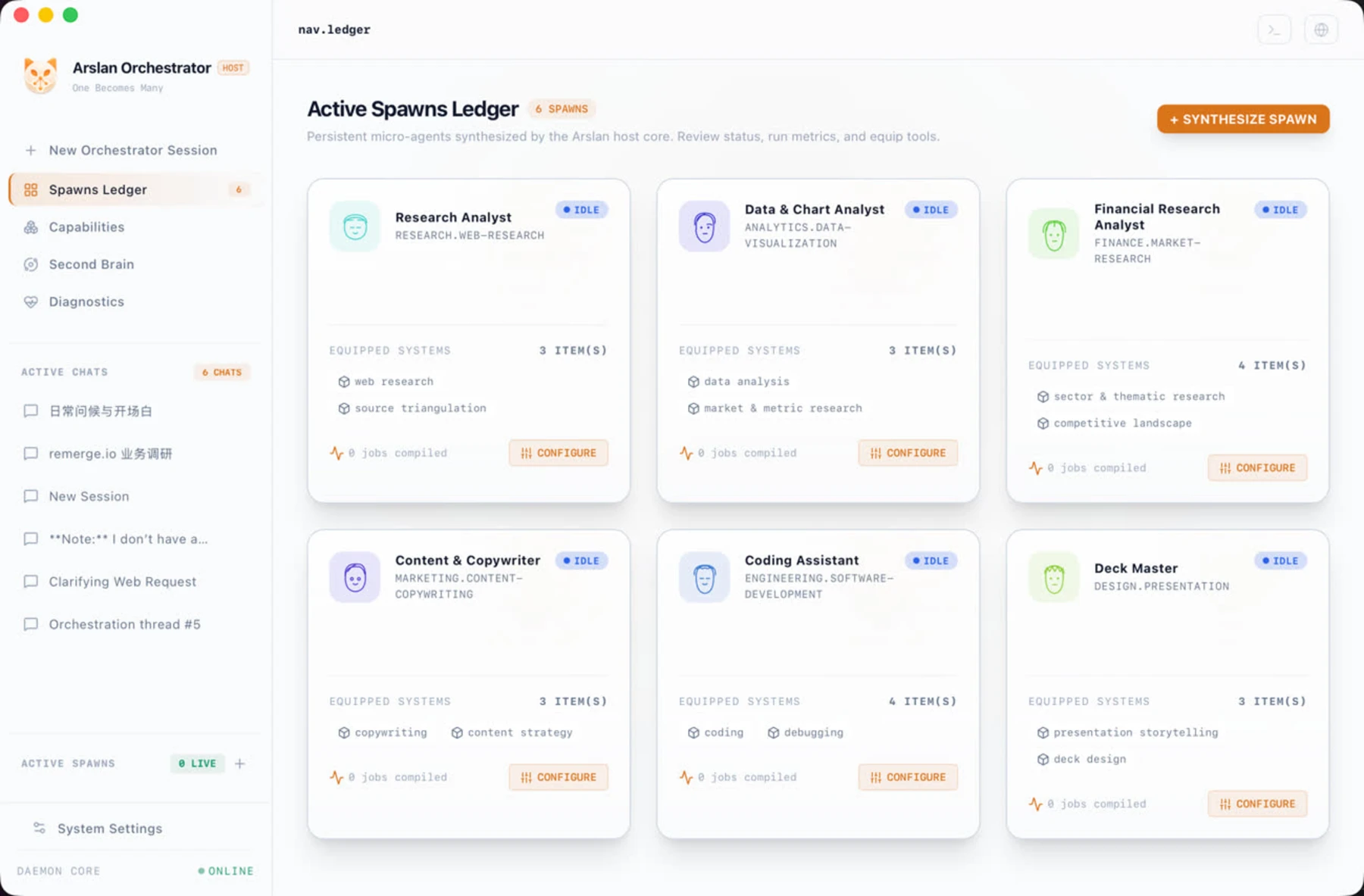
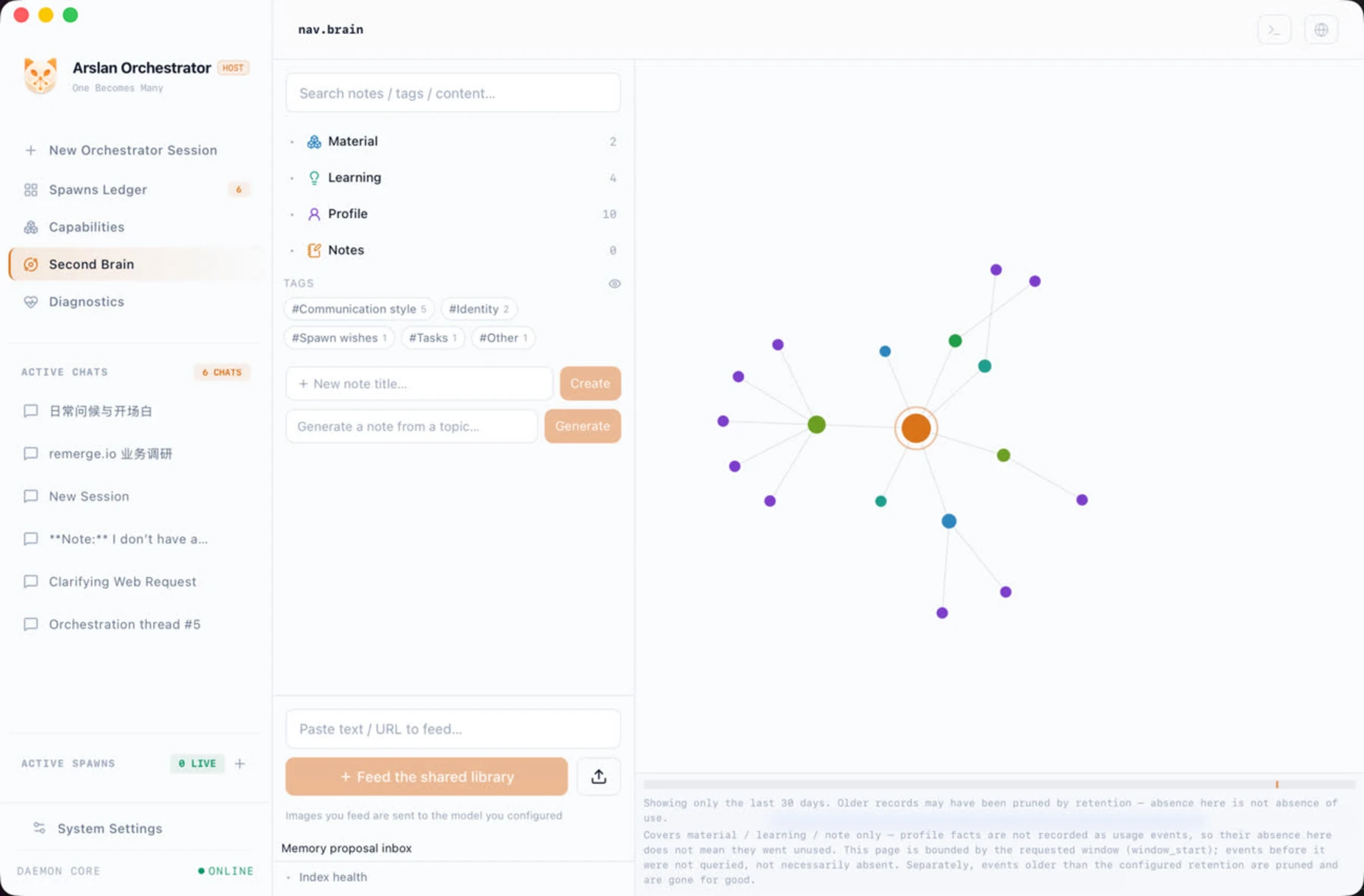
Captured from the development build
What it does
Give a nontechnical person one conversation through which to shape and use a personal team of AI agents.
How it works
- Step 1Bring context
The desktop surface collects the request and displays streamed text, tool activity and decision cards.
- Step 2Ask the host
The host decides whether to answer directly or dispatch a specialist, using a shared tool-execution loop.
- Step 3Use the right tool
Tools fetch or transform information. Scanned material can use local OCR; optional model vision has a separate data boundary.
- Step 4Keep what matters
Results return to the conversation. Local records and searchable knowledge provide context for later work.
Your contextFiles · prompts
Start with a request or an imported document.
WorkspaceReact · Tauri
See replies, tool activity and decisions in one place.
Agent teamFastAPI · tool loop
The host answers or dispatches a specialist through shared execution rules.
Document intakeApple Vision · PDFium
Extract text; use local OCR when a page is an image.
Local knowledgeSQLite · FTS5
Save records and retrieve text by full-text search.
Models & toolsBYOK · MCPExternal service
Configured services provide generation and tool capabilities.
Stack
React · TypeScript · ViteTauri · Rust desktop shellPython · FastAPIWebSocket + RESTSQLite · SQLAlchemy · FTS5Apple Vision OCR · PDFiumLLM tool calling · MCP
Local-first, pre-v1. External models and tools depend on configuration.