
Cairn
Leave a voice note. Come back to it later.
Screens
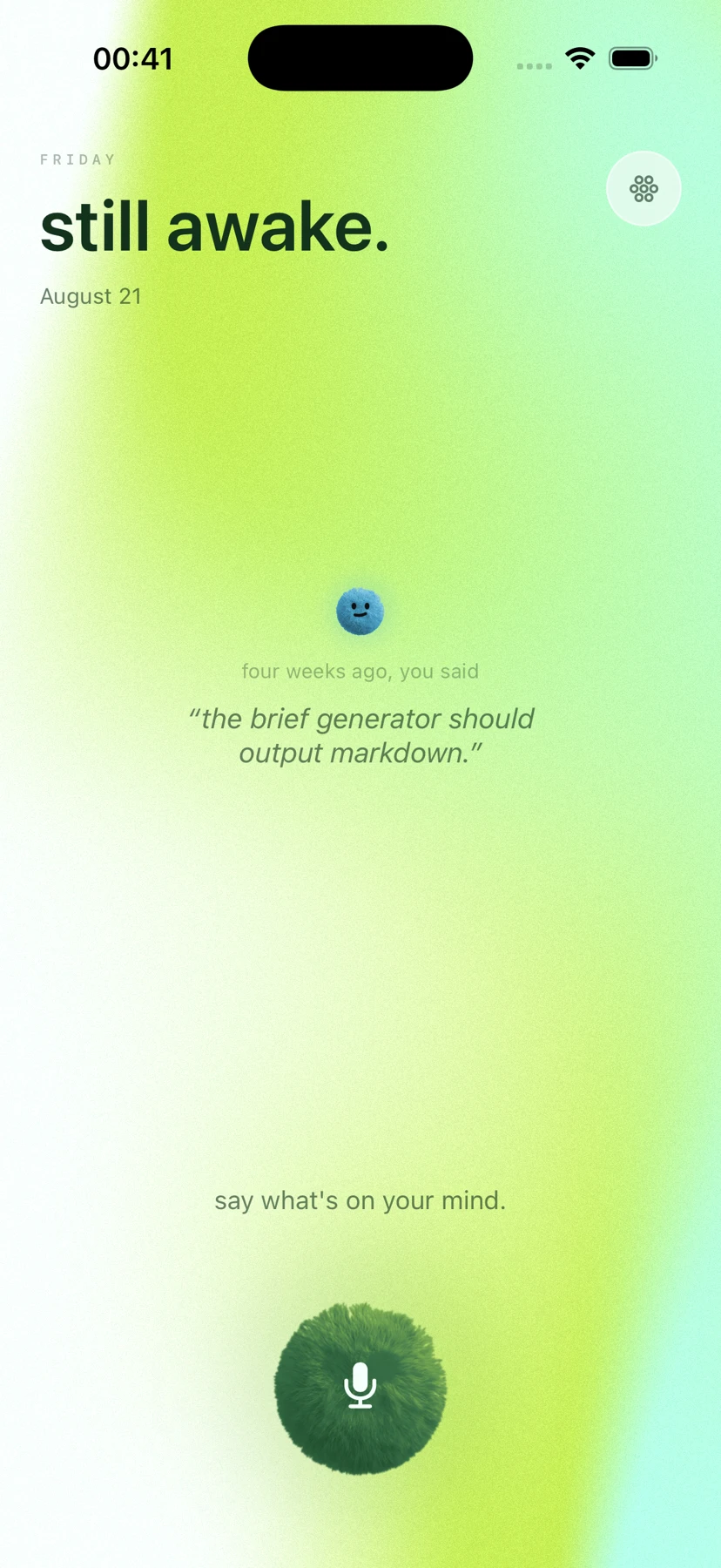
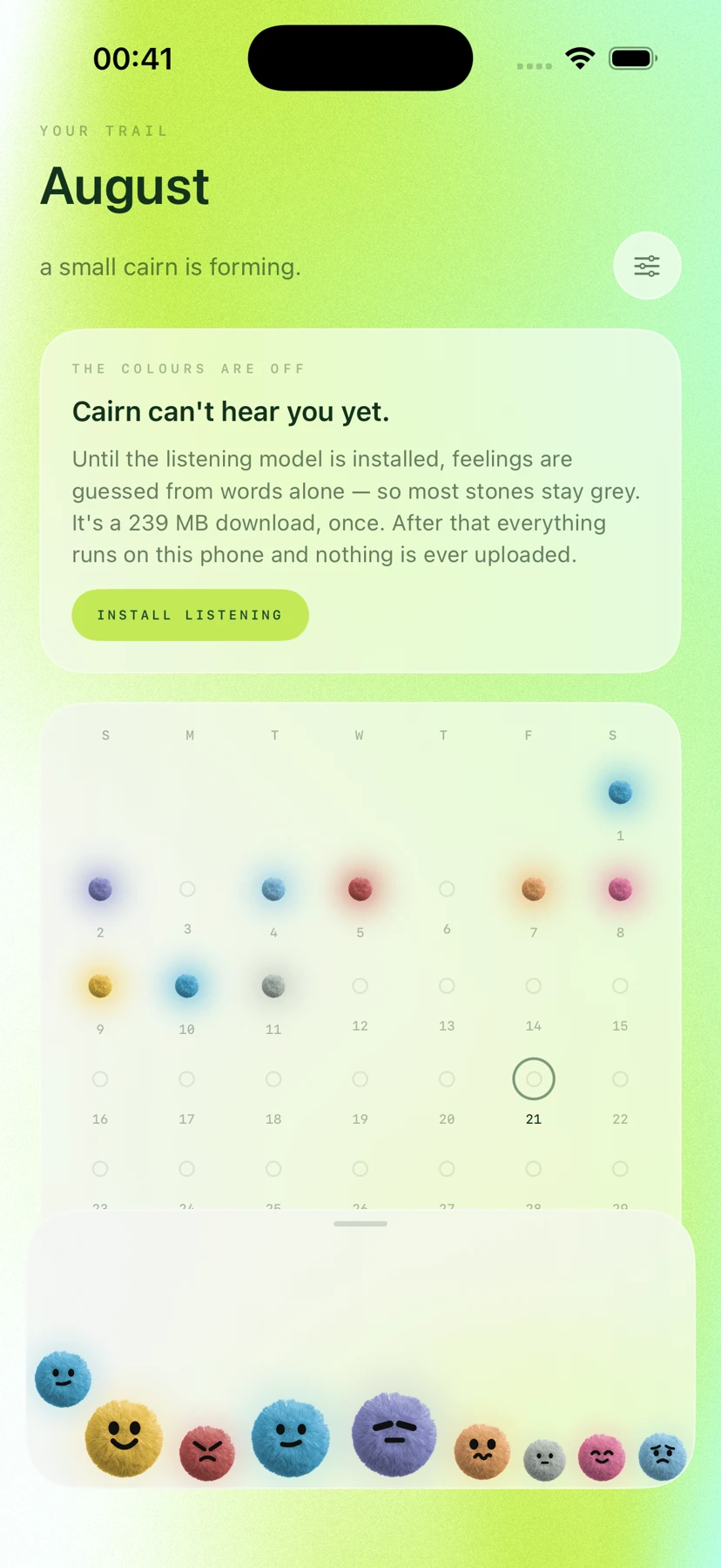
Captured from the development build
What it does
Create a place to speak, keep a moment, and revisit it without confusing a person’s original words with a generated reply.
How it works
- Step 1Leave a recording
User words and audio enter a session with explicit speaker attribution.
- Step 2Keep the memory
The app stores the recorded moment and related conversation rows.
- Step 3Return to it
Past-self prompts select and attribute context around the chosen moment.
- Step 4Begin a dialogue
Generated words are kept distinct from the original recording and its author.
Your recordingAudio capture
Keep the person’s original contribution distinct.
Memory spaceSwiftUI
Move between recorded moments and conversation.
Conversation sessionRole-aware state
Coordinate user and generated turns without mixing authorship.
Past-self contextTime-bounded prompt
Use a selected time perspective to frame a generated response.
Local memorySwiftData · audio files
Store recording metadata and the associated audio files.
Model routeFoundationModels · optional remote
Use supported on-device generation or an explicitly configured remote route.
Stack
SwiftUI · ObservationSwiftDataAVFoundation · SpeechFoundationModelsOptional remote LLMTime-bounded recallKeychain configuration
Generated reflections are new responses, not recovered words or a recovered past voice.